
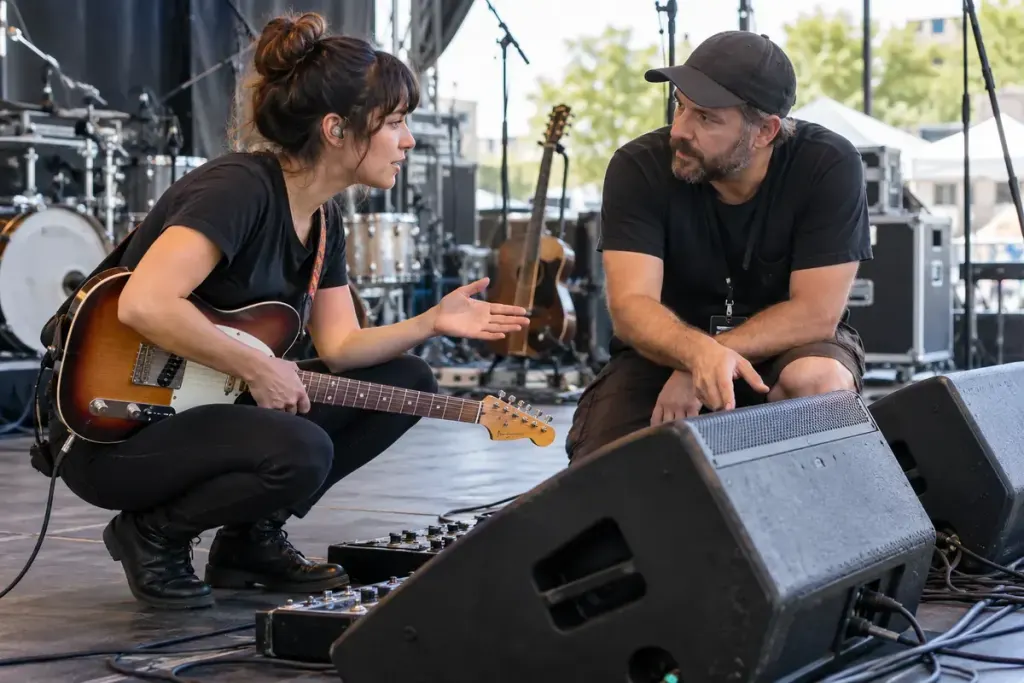
The audience can hear a balanced performance while a singer on stage struggles to hear the note they need. Stage monitoring solves a different listening problem from the main speakers facing the room.
Yamaha’s band PA guide shows how auxiliary sends can provide different balances to performers’ monitors. The available equipment determines how many independent mixes a venue can offer; every musician may not have a separate one.
Name the musical reference you need
Instead of asking for “more of everything,” identify what helps you play: your own voice, a pitch reference, a rhythm cue or a particular backing part. Decide which signals are essential and which are merely pleasant to hear.
If two performers share a monitor mix, discuss priorities before soundcheck. A keyboard player and backing vocalist may need different balances. Communicating that early is more useful than alternating requests that undo each other’s changes.
Test with the band playing normally
A solo microphone check cannot reveal every masking problem that appears when drums and amplifiers join in. Play a representative section at the intended performance level, then make a specific request to the engineer. Use an agreed signal and wait for the adjustment before requesting another.
Sometimes reducing a competing signal or changing the stage arrangement is more effective than continually increasing the monitor. Work with the engineer on placement and levels; do not move microphones or speakers casually after the system has been set.
Keep hearing protection and safe listening practices part of the plan. In-ear equipment is not automatically safe merely because it replaces a wedge; its setup and level still matter.
After the show, note the mix priorities that worked. Bring a short, realistic list to the next venue, alongside an understanding that its system may differ. A useful monitor request explains the musical job to be done without prescribing settings the local equipment cannot provide.